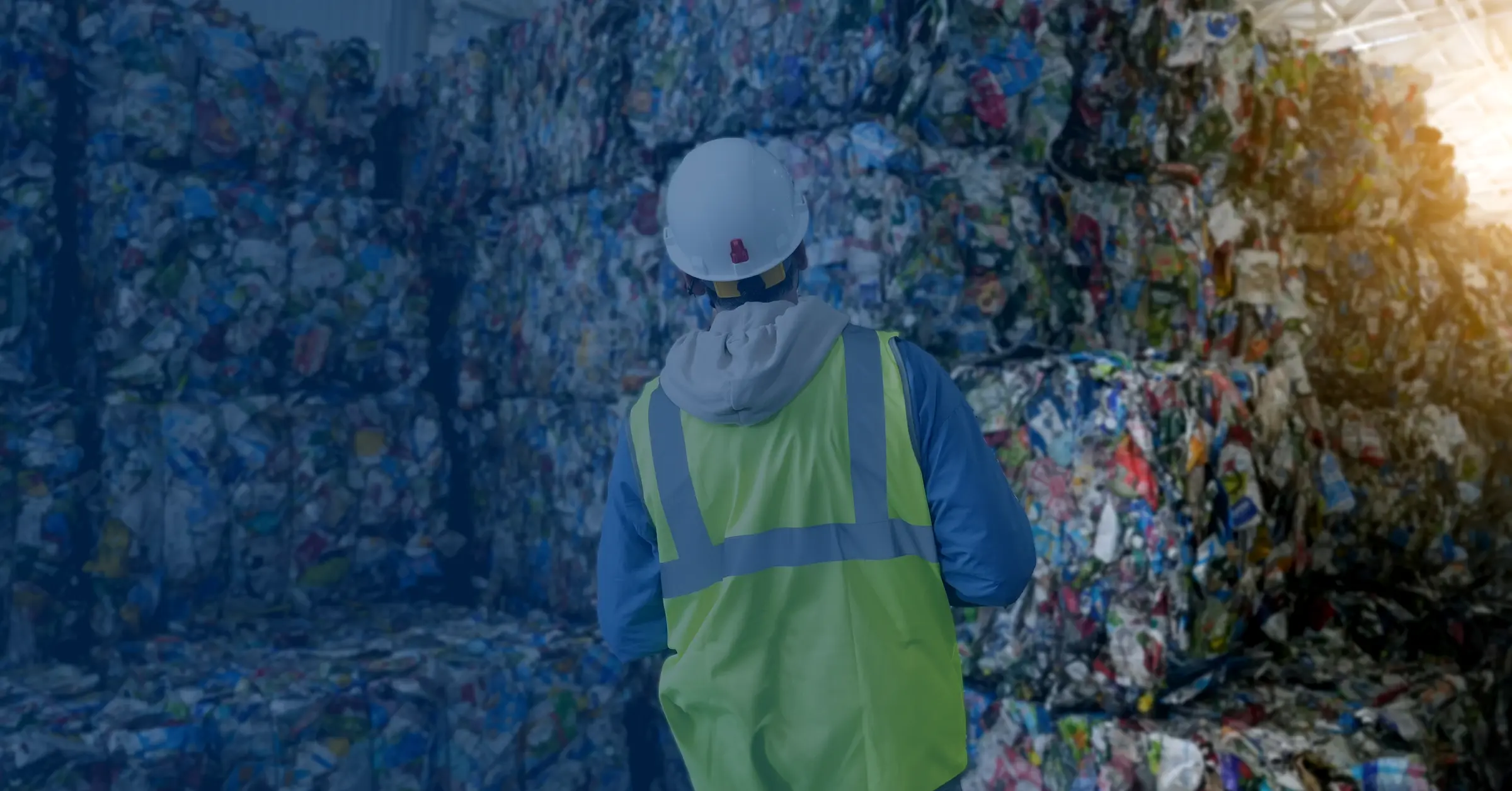

Baled recyclables stacked high inside a materials recovery facility, a worker in hi-vis checking the rows
For permitted receiving sites

Every load you take in, recorded at the gate.

Digital Waste Tracking is DEFRA's new national record for every waste movement, and the sites that take waste in are bound first. From October 2026 you record every load you accept. CarrierNote logs each one at the gate and files your receipt with DEFRA, and it's on the GOV.UK software provider list.

Today at the gate
Incoming loads, against the two-working-day clock
Illustrative
  • Mixed constructionArrived 08:14Recorded
  • Commercial generalArrived 09:02Due today
  • Wood, non-hazardousArrived YesterdayOverdue
The deadline

Receiving sites go first, from October 2026

Digital Waste Tracking is being switched on in two phases. The places that take waste in, such as transfer stations, treatment sites and tips, go first: you record what you accept from October 2026 in England and Wales, and from January 2027 in Scotland and Northern Ireland. Waste carriers, brokers and dealers follow from October 2027.

Waste producers are not yet mandated, so a business that only produces waste has nothing to file today. And the paper transfer note is not gone. Phase 1 runs the digital record and the paper duty-of-care note side by side, so you keep doing both until the carrier phase lands.

Coming to this after October 2026, because you are newly permitted or because the site has been running on paper? The job is the same and so are the steps. You can be recording loads the day you sign up, and filing them with DEFRA as soon as your API Code arrives.

New to all this? Our guide to what changes for receiving sites in October 2026 walks through the deadline and how the two-working-day clock counts the weekends and bank holidays.

At the gate

Record a load as it comes in, in under a minute

The record starts where the waste does. When a load arrives you open a receipt with the arrival time and your own site already filled in, and accepting the load is part of making the record rather than a job for the end of the day.

Logged at the gate

Your site details are already on the receipt, so a load is a few taps: what the waste is, how much of it, who brought it, and the time it arrived. The acceptance is written as you create the record, and the receipt is filed with DEFRA under your own site.

Every field DEFRA asks for

EWC codes (the six-digit European Waste Catalogue number that says what a waste is), physical form, container type, weight, hazardous properties, and the recovery or disposal code that says what happens to the load next. Captured once as structured data, not written on a pad at the gate and keyed in that evening.

Checked before it's saved

The receipt is checked against the rules as you fill it in: a missing EWC code, a hazardous load with no consignment note code, a carrier registration number left out with no reason given. Anything wrong shows on screen while the lorry is still on the weighbridge, not in a rejection email three days later.

Works when the signal doesn't

Gatehouses are not famous for their 4G, and a weighbridge cabin with a steel roof is worse. A receipt can be made with no connection at all: it queues on the device and syncs on its own when the signal comes back.

Photos of what turned up

Up to thirty photos on a receipt, each with a caption, taken on the same phone that made the record. They queue offline the way the receipt does, and print as an evidence sheet when a load turns out to be something other than what was booked in.

Fewer things to type twice

Save the hauliers who deliver to you and the businesses whose waste you take, then pick them on the form instead of typing them out again. Your own site's name, address, and permit number come off the public permit register in one pick, in England (Environment Agency) or Wales (Natural Resources Wales). What a receipt says about you is then what the regulator holds.

A two-working-day clock, and the board that keeps it

The rule gives you until the end of the second working day after a load arrives to complete its record. CarrierNote puts that deadline on every receipt and counts the weekends and bank holidays for you, so it lands on the right day. One board shows every load you've taken in and where it sits against its clock: recorded, due today, or overdue. You work down the list instead of hunting through a pile of paper.

Hazardous waste

Hazardous loads go through the same flow

A hazardous load needs a consignment note as well as a transfer note, and it asks for details an ordinary transfer note never does. It's the same form, with the extra parts opened up.

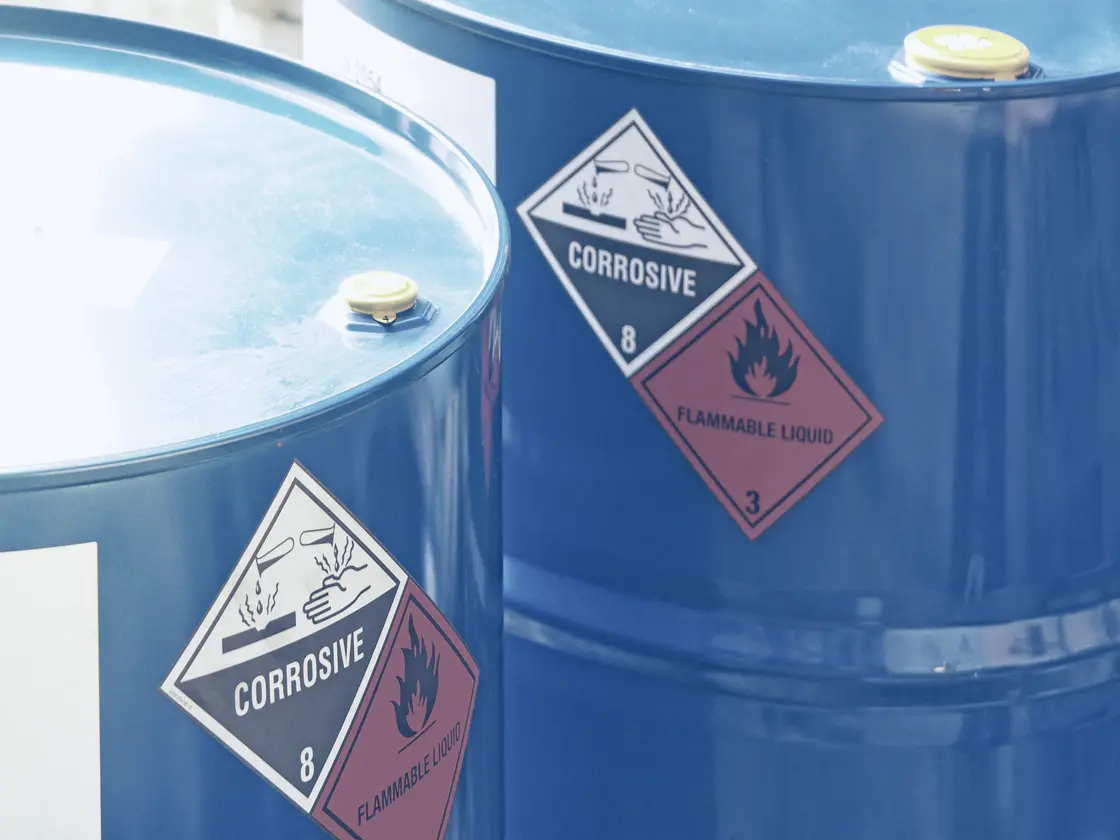
Blue drums of hazardous waste, corrosive and flammable-liquid diamonds showing

Consignment notes and HP codes

A hazardous movement gets a consignment note with its own code, plus the HP codes (the hazard properties, such as flammable or corrosive) that say why the waste is hazardous. The note is produced as a PDF carrying the right legal basis for England and Wales, Scotland, or Northern Ireland, and is kept for three years, which is what a consignment note needs in all four nations.

POPs, recorded once

POPs are persistent organic pollutants, the harmful chemicals found in things like older sofas and some insulation board. Where they apply you record which ones and at what concentration on the same form as everything else, so a POPs load isn't a separate piece of paperwork someone has to remember.

What you did with it

When a hazardous load reaches you, you record whether you accepted or rejected it, how much you actually took, and sign for it. That goes back onto the carrier's copy of the consignment note, so the end of the chain is on the same record as the start.

Sending to DEFRA

Connected to Digital Waste Tracking

Receiving sites are mandated onto the service from October 2026 in England and Wales, and from January 2027 in Scotland and Northern Ireland. Carriers follow in October 2027.

On the GOV.UK list, connected to the service

CarrierNote is on the GOV.UK software provider list for Digital Waste Tracking and connected to the live service. Every receipt you make is filed with DEFRA under your own site today. Carrier movements follow the moment DEFRA opens that step, with nothing for you to install or set up when it happens.

Check it on the GOV.UK list of software providers, where we’re named as Red Tape Software Limited with Carriernote.co.uk as the product. What the listing means.

We publish how our software does on DEFRA’s test scenarios, including the two records it refuses on purpose.

The tracking ID lands on the record

DEFRA hands back a Waste Tracking ID when it takes a record, a unique reference for that movement. It's stored against the movement it belongs to, so the proof that a record was accepted sits with the paperwork rather than in somebody's inbox.

See what's ready before you send

Every movement carries a readiness state the office can see at a glance, so a record that's still missing a signature or a code is obvious before anyone tries to send it. The ones running out of time surface on the dashboard on their own.

A failed send is ours to chase

When DEFRA's service is busy or briefly unreachable, the record isn't bounced back to the yard as an error for somebody to send again by hand. It's queued and retried for you over the next few hours, and the note says it's queued until it lands.

When DEFRA is down, the law has an answer

The regulations let you keep a written record while the service is unavailable, so long as you tell the Environment Agency and everything is uploaded within seven days of it being fixed. CarrierNote holds those records instead of failing them one by one, and says on screen what the law now asks of you. Each held note carries the date it has to be with DEFRA by.

Correct a record and it goes back as a correction

Edit a record you've already filed and it's flagged to resend, because putting an error right is a duty of its own. The update lands on the DEFRA record you already have rather than creating a second one, and the note keeps the history of what changed.

Your records

The archive stays yours

A waste transfer note has to be kept for two years, and a hazardous consignment note for three. Nothing here deletes one.

Rows of records shelving running off into the distance

Kept for the full retention period

We don't delete waste records or the PDFs behind them, and we don't lock you out of the ones you've already captured if a subscription lapses. A statutory record you're legally required to hold is not a thing to hold over a customer.

Find any movement again

Search the whole archive by customer, site, waste type, or note number. Narrow it to a status or to hazardous loads only, then open the note and print the same PDF the customer was given.

Export it when someone asks

Pick a period and download the movements in it as a CSV, or the whole archive at once. Alongside it you get the volumes: how much waste you took in by month, by waste type, and by customer.

Start recording at the gate

You don't need your DEFRA API Code to begin. Record loads and run the clock from your first day; filing them with DEFRA is the part that needs the code, so start that registration alongside your first loads.

Your quarterly return

The return builds itself from what you logged

Permitted sites report their waste to the regulator every quarter. Pick the quarter and the return is built out of the receipts you already made, so nobody keys the same figures in twice.

What came in

Every load you accepted in the quarter, by customer and by waste type, off the receipts your own staff made at the gate.

Where it went

The same waste by recovery or disposal code, the R and D codes that say what happened to it after you took it in.

Weight the rules don't attribute to a customer or to a code is reported on its own rather than spread across the rest, so the totals reconcile and nothing is made up to fill a gap. Download the quarter as a CSV when somebody wants it as a file.

How it works

From the load on the weighbridge to a filed record

  1. Step 1
    Log it at the gate

    A load arrives and whoever is on the gate opens a receipt: what the waste is, how much of it, who brought it, and the time it came in. It works on a phone in the yard or on the screen in the weighbridge office, with a signal or without one.

  2. Step 2
    Check it

    Before the receipt is saved it's checked against the DEFRA rules. Missing fields and half-finished hazardous declarations are flagged on screen, so they get fixed while the load is still in front of you.

  3. Step 3
    File it and keep it

    The receipt is filed with DEFRA under your own site, inside the two working days the rules give you, and kept for as long as the law requires afterwards. The office sees every load and where it stands, and any period of them can be exported whenever someone asks.

Getting connected

Get on the service, with us walking you through it

DEFRA issues the account and the code that connects it. We can't do that step for you, but we show you what to do and where each detail goes.

Two people at one desk working through a set-up, pen in hand
  1. 1

    Register your site with DEFRA

    Sign your legal entity up on the Digital Waste Tracking service and add the permitted site that takes waste in.

  2. 2

    Pay the £26 a year charge

    Once the service is mandatory for your business, DEFRA charges £26 a year per legal entity to use it. That is a government charge paid to DEFRA, separate from what you pay us for the software.

  3. 3

    Paste in your API Code

    DEFRA gives you an API Code, the reference that links your account to the software. Paste it into CarrierNote once, and your records file under your own site. You can record loads before it arrives; filing is the part that needs it.

Our own charge is on the pricing page. Every paid plan records unlimited waste records and does the whole compliance job, hazardous loads included. The plans differ by how many people are using them, nothing else.

Download the Digital Waste Tracking readiness pack

A short PDF with the dates that apply in your nation and a checklist of what to have in place, for receiving sites and for carriers. Leave your email and it downloads straight away.

The pack downloads either way. We keep your address with a note that you downloaded the pack, and we only send you guidance emails if you tick the box. We never sell or share it. See our privacy notice.

Why we built it

We set out to run a waste business

CarrierNote is built by Red Tape Software Ltd, a small team on the Wirral. It started with a waste clearance company we founded and then didn't run.

In early 2026 we registered Ivory Clearance Ltd to do waste clearance on the Wirral. The more we looked at what the job asks of you on paper, the clearer it got that the record was the hard part, and that DEFRA's Digital Waste Tracking mandate was about to make it a legal one.

CarrierNote is what we built instead, before Ivory ever traded. Finding the right transfer note months later, when somebody asks for it, is what the app is built around.

We haven't got customer stories yet. When carriers come on board, theirs will go here, in their words and with their permission.
Document boxes filling archive shelving

Get the changes that reach your gate

DEFRA sets the timetable and has moved it before. Leave your email and we'll tell you when a date or a rule changes for the sites that take waste in.

We never sell or share your address. See our privacy notice.

Get your gate onto Digital Waste Tracking

Get your incoming loads onto CarrierNote and let it log them at the gate, keep the clock, and file your receiving site's record with DEFRA. The free plan is ten waste movements a calendar month on real jobs rather than a demo, with no card and no time limit.